 VIZEIUX
A visualizer that reads the music.
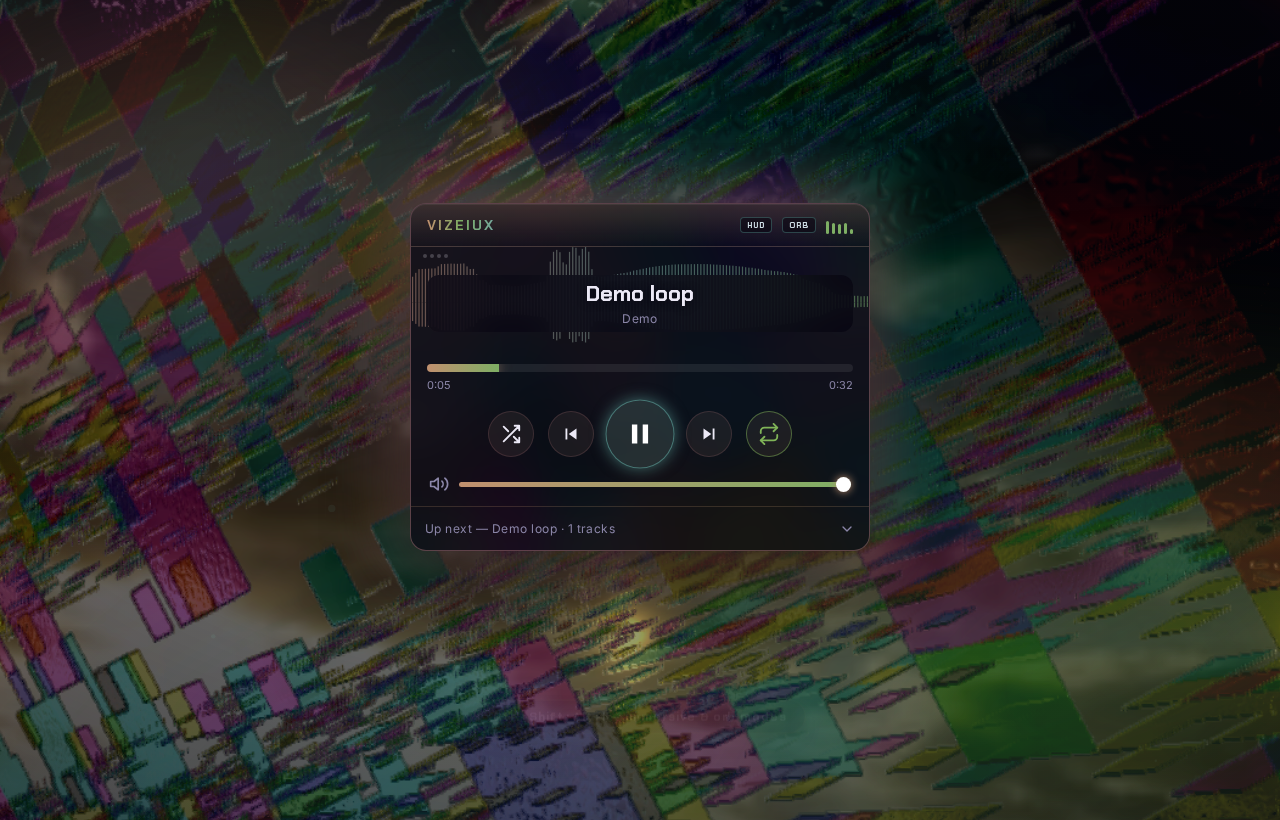
Vizeiux finds the beats, bars, sections and drops in a track and cuts, blends and builds to them. It runs Milkdrop decks through a five-deck mixer and sends clean frames to OBS, Resolume or a second screen. It's free, it works offline, and you don't need an account.
What it does
Structure-aware
An offline analysis pass (or live DSP when there isn't one) gives it tempo, key, sections and drops. Cuts land on downbeats and builds ramp into drops.
Five-deck mixer
Two Milkdrop decks with more than 1,100 presets, plus art, stills, clips and capture decks, mixed in WebGL through a feedback buffer.
Your own control
The motion graph, cues and lanes are keyed to the music. MIDI learn, a second-monitor console and a Lab with 84 settings are all included.
Outputs
On Windows the Spout sender shows up as "Vizeiux" in Resolume. A clean output window works with OBS or a projector, and OSC out drives Resolume layers.
Your tracks
Use Add tracks to import your own music. Vizeiux analyses each track on your machine and nothing gets uploaded.
Free
There are no keys, no accounts and no telemetry. Image generation is optional and runs on your own API key.
OBS, Resolume and a second screen
- Resolume: in Vizeiux, turn on the Spout sender. Then in Resolume go to Sources → Spout →
Vizeiux(you can rename the sender in settings). - OBS: open the output window and add it as a Window Capture, or capture the Spout sender with the Spout2 OBS plugin.
- Second screen: drag the output window to the projector and go full screen. The console runs on your laptop screen.
Changelog
0.1.0 · 2026-11-08
- First Vizeiux release, carved out of the engine behind a music site's player.
- No product keys or activation. It installs and runs offline.
- Spout sender named "Vizeiux" (configurable), OSC out, MIDI learn, console and Lab.
- Starts with a demo loop. Add your own tracks, or load the optional catalog pack.